Define the brief and the source boundary
Take a consultancy comparing supplier proposals for a client. The question “Which supplier is cheaper?” sounds straightforward. One proposal may quote monthly fees and the other an annual total. One may include implementation. Before building the agent, agree on the output. A reviewer should see comparable costs, the scope behind each figure and a list of gaps that could change the conclusion.
Start with an approved folder or knowledge base. Give the retrieval tool a read-only identity and apply the caller’s permissions before returning any passages. Write down the date window and the order of precedence. For a procurement brief, a signed schedule can outrank a sales deck. Preserve both if they disagree so the reviewer can see the conflict.
Give each piece of evidence a stable ID
Return evidence records from retrieval. Each record should contain the document title, version or date, page or section, a link, and the exact passage. Assign the ID in code. If a document changes, use a new version in the ID so yesterday’s brief can still be traced to what the agent saw.
Search first for the facts the brief needs. Where the task compares two suppliers, require evidence for each before making a relative claim. Keep the best passage from each underlying document. Five snippets copied from the same proposal give the reviewer one underlying source.
Make the model cite IDs from the evidence it actually received. Render links from your source records in the application. This gives the reviewer a stable route to the document and lets your code reject made-up references.
Bound the research loop
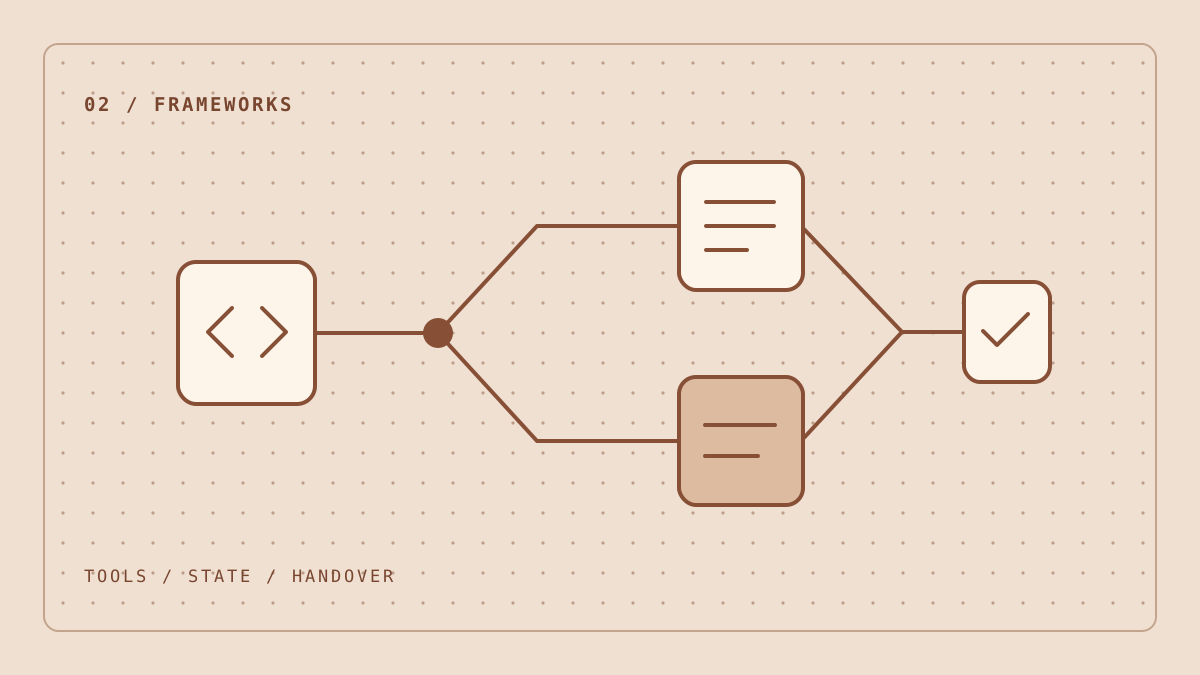
A first version can run a fixed sequence. Retrieve evidence, draft, check citations and hand the draft to a reviewer. Add a decision point when the next search depends on the evidence. For example, if a proposal lists a fee without saying whether it includes support, let the agent query the service schedule once.
- Break the brief into required facts, such as setup fee, recurring fee and the contract term.
- Retrieve passages for each fact and retain their evidence IDs.
- Allow a follow-up search within a fixed limit on tool calls and elapsed time.
- Return a draft with supported claims, conflicts and questions for the reviewer.
The following illustrative output leaves the VAT status of the second quote open. It gives the analyst something to check before comparing totals.
{
  "claims": [
    {
      "text": "Supplier A quotes £2,400 before VAT.",
      "evidence_ids": ["supplier-a-2026-10-20-p4"]
    }
  ],
  "open_questions": ["Is supplier B's fee quoted before VAT?"],
  "status": "needs_review"
}
Stop when the required facts are covered or the search budget is exhausted. Give the reviewer a clear status for partial evidence or unavailable sources. A run that says “needs review” can still be useful if it tells the analyst exactly where to look next.
Check citations and claim support separately
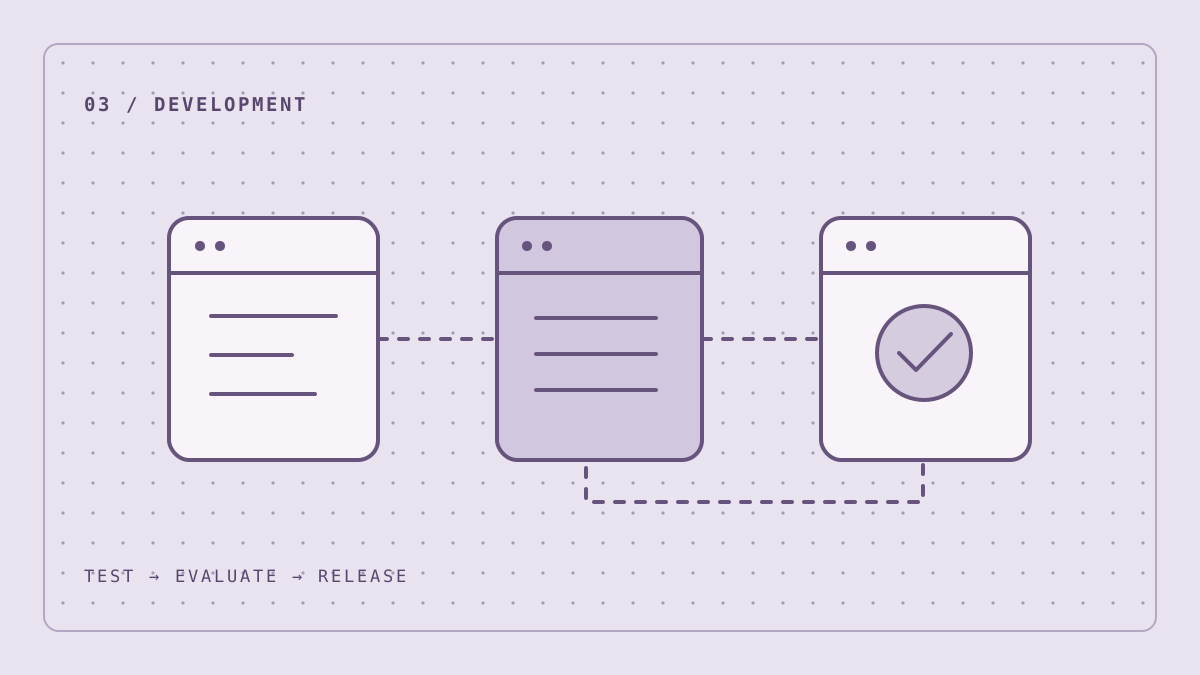
Code can check that every factual claim has an evidence ID and that the ID exists in the current run. The analyst checks whether the cited passage supports the claim. For example, a passage saying “from £2,400” supports a starting price. Treat a claim about the final price as an open question until you have a firm quote.
Use a small evaluation set that includes the cases most likely to fool a reviewer who is moving quickly.
- Missing evidence. A proposal omits its renewal terms. The draft marks the terms as unknown.
- Conflicting versions. A slide and a signed schedule give different fees. The draft names both and explains which takes precedence.
- Wrong citation. A valid evidence ID points to the wrong supplier. The claim fails review even though the reference resolves.
- Instructions inside a source. A document asks the agent to ignore the task or disclose material. The run stays within its read-only tool and source permissions.
External documents can carry instructions aimed at the model. Keep tool permissions and data access in code, and have a person approve consequential actions. OWASP guidance on prompt injection.
Make the review quick to perform
Put the cited passage next to the claim in the review view. Let the analyst accept it, edit it or mark it unsupported. Capture the reason for rejection so it can become a regression case. Compare the full time to an accepted brief with the manual baseline, including corrections and follow-up searches.
A basic implementation can use plain Python for retrieval and checks. Add an agent framework when it will simplify tool choice or orchestration. The framework comparison shows how to make that call. The development pipeline guide explains how to turn the evidence checks into a release process.